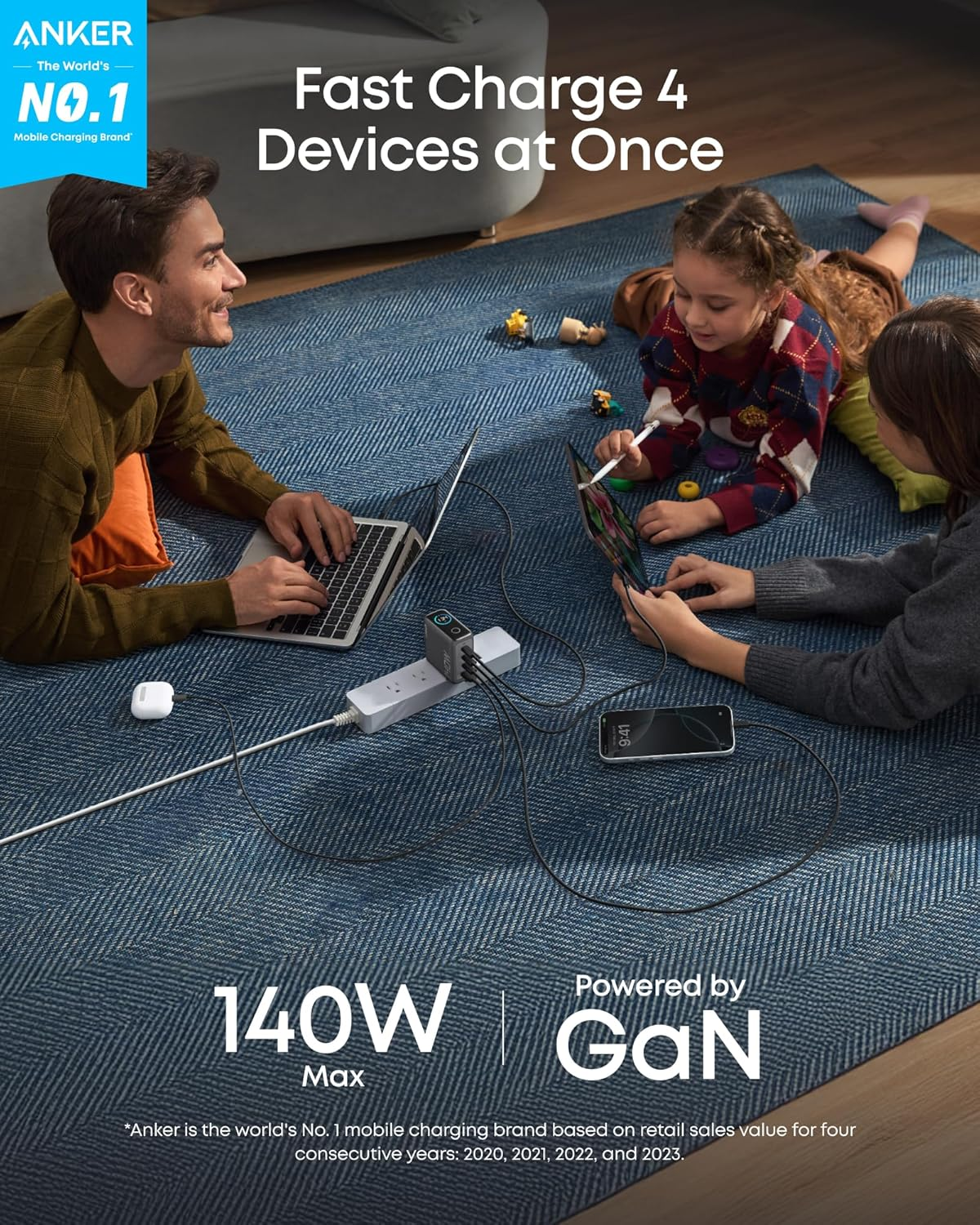
There is a funny thing about charging devices: most of us only think about it when the battery is already low. You plug your phone in before bed, charge your laptop while working, or throw a battery pack into your bag before leaving home. It all seems simple until something doesn’t work as expected. The phone charges slowly, the cable keeps falling out, or you realize you forgot the charger when you’re already halfway through a busy day. A better charging setup doesn’t need to be complicated. In many cases, it starts with choosing the right usb c charger and understanding when a portable charger is actually useful.
Start With the Devices You Own
Before buying another charger, take a quick look at the devices you regularly use. You might have a smartphone, tablet, wireless earbuds, smartwatch, laptop, or another USB-powered accessory. If several of them use USB-C, one suitable charger may be able to handle more of your daily charging needs. This can reduce the number of adapters you need to carry around.
However, compatibility should come before convenience. USB-C describes the connector, not necessarily the charging capability. Two USB-C chargers can have very different power outputs, so check the requirements of the device you’re charging. That one detail can save you from buying something that technically fits but doesn’t perform the way you expected.
Don’t Judge a Charger by Its Size
A tiny charger can be surprisingly capable, while a larger one isn’t automatically more powerful or better. When comparing chargers, look at the specifications rather than relying on appearance. Pay attention to power output, number of ports, supported charging standards, and how the available power is divided when several devices are connected.
For someone who charges one phone at a time, a compact single-port option may be perfectly practical. If you’re regularly charging several devices together, multiple ports can be more convenient. Just remember that connecting more devices can change the amount of power available to each port.
The Cable Is Part of the Setup
I’ve seen plenty of charging problems blamed on the adapter when the actual culprit was the cable. Cables get bent, pulled, packed into bags, and connected hundreds of times. Eventually, they can wear out. If charging suddenly becomes inconsistent, try another compatible cable before replacing the entire charger. Look for visible damage around the connectors and along the cable itself.
Length matters as well. A very short cable can be annoying beside a bed, while an unnecessarily long one can become clutter on a desk. The best cable is usually the one that is both compatible with your device and suited to where you use it.
When a Portable Charger Becomes Essential
A portable charger is most useful when your normal charging routine breaks down because there isn’t an outlet nearby. Consider a long travel day. You may start with a full battery, but using maps, taking pictures, watching videos, making calls, and browsing the internet can consume power much faster than expected.
A battery pack gives you another option without requiring you to sit beside a wall socket. For everyday carrying, size and weight are important. A huge battery might sound attractive, but if it takes up half your bag, you may eventually stop carrying it. For occasional emergencies, a smaller model can make more sense. For long journeys, higher capacity may justify the extra weight.
Capacity Isn’t the Whole Story
Portable batteries are often compared using their capacity, but that isn’t the only specification worth checking. You should also consider the output power, charging ports, recharge time, physical size, and whether the battery can charge the type of device you intend to use.
There is also a difference between the capacity listed on the packaging and the amount of usable energy that eventually reaches your device. Energy is lost during the conversion and charging process, so the advertised number shouldn’t be interpreted as an exact promise of how many full charges you’ll receive. Think of capacity as one part of the decision rather than the entire decision.
A Portable Battery Needs Care Too
A battery pack isn’t something you should treat like an indestructible accessory. Keep it away from excessive heat and moisture, and don’t continue using one that has visible damage, unusual swelling, or other signs of a battery problem. Avoid leaving charging equipment in extremely hot places, such as a vehicle sitting in direct sunlight for extended periods.
It’s also worth keeping your portable battery reasonably charged if you carry it for emergencies. There isn’t much benefit in having a battery pack in your bag if you discover that it has almost no power when you actually need it.
One Charger Can Simplify Your Routine
A good charging setup should remove small frustrations rather than create new ones. For example, you could keep your main USB-C charger at your desk, use a second charging location beside your bed, and carry a compact portable charger when you’re away from home. This prevents you from constantly moving the same accessories from one place to another.
If you travel often, a compact multi-port charger can also reduce the number of adapters you need to pack. Some manufacturers, including Anker, offer charging accessories designed around these kinds of multi-device setups. The important thing is still to compare specifications and choose according to your own needs rather than buying based solely on the brand.
Don’t Overcomplicate Charging
It’s easy to become distracted by increasingly large power numbers and long lists of technical features. But most people don’t need the most powerful charger available. They need something compatible, reliable, convenient, and suitable for their daily devices. A simple checklist can help:
- Identify the devices you charge most often.
- Check their charging requirements.
- Choose suitable power output.
- Select the number of ports you actually need.
- Keep good-quality compatible cables available.
- Consider portability if you’re frequently away from outlets.
- Replace damaged charging accessories rather than continuing to use them.
This approach keeps the decision practical.
Final Thoughts
A usb c charger can become the center of a surprisingly flexible charging setup, especially when several everyday devices use USB-C. But the right choice isn’t necessarily the charger with the biggest specifications. Think about your devices, your routine, and where charging usually happens. Then decide whether you need a basic wall charger, multiple ports, or the extra freedom provided by a portable charger. Once those choices match your actual habits, charging becomes something you barely have to think about which is probably the best sign that you’ve got it right.
FAQs
What should I check before buying a USB-C charger?
Check the power requirements of your devices, the charger’s output, the number of ports, and the charging standards it supports. Also make sure you’re using a suitable cable.
Can I use one USB-C charger for multiple devices?
Yes, if the charger provides suitable output for those devices. A multi-port charger can be convenient, but available power may be divided when several devices are connected.
How do I choose the right portable charger?
Consider capacity, output power, size, weight, ports, and recharge time. Choose according to how long you typically spend away from a power outlet.
Why does my device charge slowly with a USB-C charger?
Slow charging can result from an unsuitable charger, an incompatible or damaged cable, the device’s own charging limits, or other factors such as temperature. Testing another compatible cable can help identify the problem.
How should I store a portable charger?
Keep it in a cool, dry location away from extreme temperatures and physical damage. If you notice swelling, unusual heat, or visible battery damage, stop using it.


